
Fractal Channels • Multiple Time Frame Price Action • Time-Based Volume
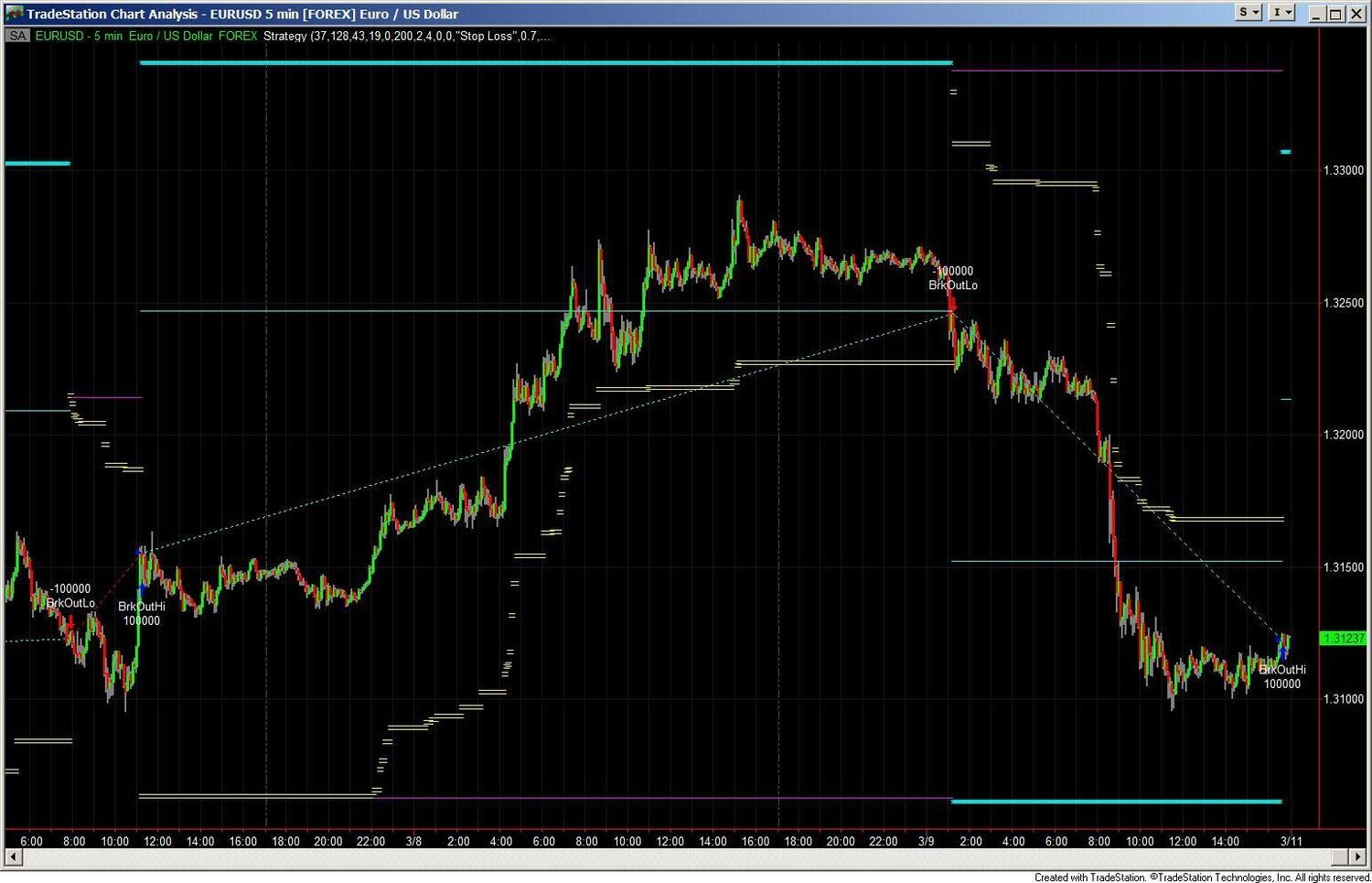
The Automated Dynamic Trailing Stop Loss and Profit Exit Strategy is an exit-only strategy for TradeStation that attaches to any entry method and manages the trade from open to close using three independent exit mechanisms: a fixed tick stop loss, a volatility-adaptive range-based stop loss, and a multi-level percent trailing stop. Each mechanism can be enabled or disabled independently — use all three together or any combination that fits your trading style and instrument.
The range-based stop adapts automatically to the instrument's own recent volatility. It averages the true range across four lookback periods — 5, 21, 34, and 166 bars — and multiplies the result by a configurable multiple to set the stop distance at entry. The stop is naturally wider on volatile instruments and tighter on quieter ones, without any manual adjustment. When both the tick stop and range-based stop are active simultaneously, the stop closer to current price takes precedence — dual-layer protection on every trade.
The percent trailing stop locks in a percentage of the maximum open profit reached during the trade — not a trailing distance from current price. You define up to four profit thresholds. As each threshold is crossed, the trail tightens progressively: for example, lock in 80% of max profit above $150, tighten to 60% above $250, then 40% above $350, then 20% above $450. The stop ratchets upward continuously as the trade moves in your favor — winning trades run as far as the market allows, and a reversal triggers exit only after giving back the defined portion of peak profit.
The strategy runs as a second TradeStation strategy on your chart alongside your entry method. It does not place entries — once a position is open, it takes over completely.
Exit Mechanism 1 — Fixed Tick Stop: A straightforward stop placed a specified number of ticks from entry. Active from the moment the position opens. Use this as your absolute worst-case risk limit — the floor below which a trade will always be exited regardless of other conditions.
Exit Mechanism 2 — Range Multiple Stop: A dynamic stop calculated from the instrument's own recent bar ranges. The average range across 5, 21, 34, and 166 bars is multiplied by a configurable multiple (default 2×) to determine stop distance. The calculation is performed once when no position is open, so the stop distance is locked at entry and does not change mid-trade. A multiplier of 1.5–2.5 covers most intraday setups.
Exit Mechanism 3 — Percent Trailing Stop (up to 4 Levels): Once open profit reaches a defined dollar threshold, the strategy activates a trailing stop that locks in a percentage of the maximum open profit reached. All four levels are off by default. Enable the levels you want — two levels suits faster trades, all four suits swing trades where you want to progressively capture more profit as the move extends.
All active stops and profit threshold markers are drawn on the chart in real time — cyan markers for each profit threshold level, magenta for the current trailing stop position — so you always know exactly where the strategy stands.
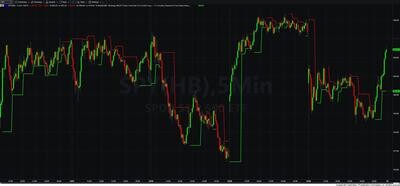
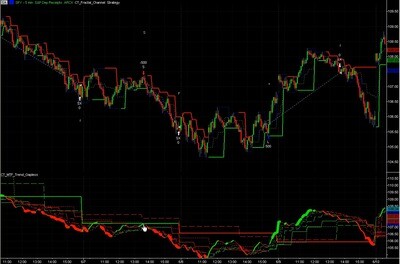
The most natural pairing for this exit strategy is the Fractal Channel Indicator. The Fractal Channel plots dynamic support and resistance levels on your chart in real time. These levels are structurally significant — they represent where the market has actually defined support or resistance, not where a fixed algorithm decided to draw a line.
When you use the Fractal Channel Indicator to identify entry points at key support or resistance levels, and the Automated Dynamic Trailing Stop to manage the exit once you are in, you have a structurally coherent end-to-end approach: enter at a level the market has defined, exit based on how the market is actually moving. Both the entry and the exit are driven by market structure rather than arbitrary parameters.
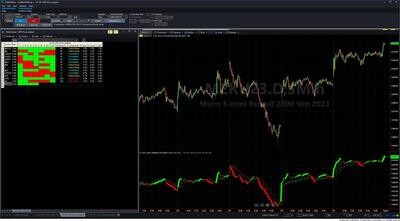
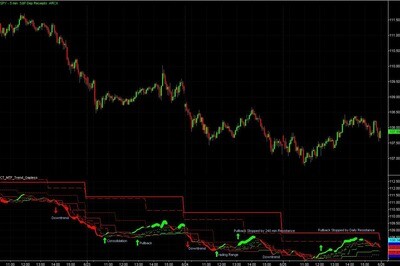
The strategy is also fully compatible with the MTF Price Action Indicator for entry confirmation and works with any proprietary entry method you already use.
This strategy is for TradeStation traders who have a solid entry methodology but struggle with consistent, disciplined exits. Specifically:
It works on any market where TradeStation supports automated execution: E-mini futures (ES, NQ, CL, GC), forex currency pairs, and stocks.
Does this strategy place trades automatically or only manage exits?
Exits only. It does not enter trades. You manage entries using your preferred indicators or method — once you are in a position, this strategy takes over and manages the stop loss and profit targets automatically.
How does the range-based stop differ from a fixed trailing stop?
A fixed trailing stop moves by a set number of points behind price regardless of what the market is doing. The range-based stop is calculated from the instrument's own average bar range across four lookback periods (5, 21, 34, and 166 bars) and locked at entry — so it is sized to actual market conditions rather than an arbitrary parameter. Volatile instruments get a wider stop automatically; quieter instruments get a tighter one.
Can both the tick stop and range stop be active at the same time?
Yes — and this is the recommended configuration. When both are enabled, whichever stop is closer to current price at any given moment takes precedence. This gives you dual-layer protection: the range stop handles typical market conditions, and the tick stop acts as the absolute worst-case limit if the range stop is too wide for a given setup.
How does the percent trailing stop lock in profit?
The trail is based on the maximum open profit reached during the trade, not a fixed distance from current price. Once a profit threshold is triggered, the stop is placed so that if price reverses to that stop, the strategy will exit having retained the defined percentage of the peak profit. As profit continues to grow, the stop ratchets upward — it never moves back down.
Can I use this with the Fractal Channel Indicator?
Yes — this is the recommended combination. Use the Fractal Channel Indicator to identify entry points at key support and resistance levels, then apply this exit strategy to manage the trade once you are in. You get a structurally coherent approach from entry to exit, both driven by actual market structure rather than arbitrary parameters.
Does it work in backtesting?
Yes. The strategy works fully in TradeStation's Strategy Backtest and Optimization engine, allowing you to test and tune the parameters on historical data before applying it to live trading.
How do I install it in TradeStation?
After purchase you will receive an EasyLanguage (.eld) file. Import it via File > Import/Export > Import EasyLanguage, then apply it to your chart as a strategy. Full setup instructions are included in the download. Most traders are up and running in under 15 minutes.
What is your refund policy?
All sales are final. We encourage you to review our Learning Center content before purchasing so you can be confident the strategy fits your trading approach. If you have a technical issue after purchase, our support team is here to help.


Our indicators and trading systems are built by active traders, not software developers — every tool in this library exists because we needed it ourselves. That means each product solves a specific, real-world trading problem: the Fractal Channel Indicator gives you non-repainting support and resistance based on actual price structure, the MTF Price Action Indicator Set eliminates the need to manually correlate multiple charts, and the Risk Reward Indicator automates stop placement and position sizing on every trade.
Every indicator is built around multi-time-frame confirmation — the single most reliable edge available to independent traders. Our MTF suite covers RSI, MACD, ADX, Stochastic, VWAP, Floor Trader Pivots, and Fractal Channel, all displaying multiple time frames simultaneously on a single TradeStation chart. When a signal is confirmed across four, six, or eight time frames at once, the probability of a successful trade improves significantly over any single-time-frame analysis.
Our complete trading systems — the Trend Rider, Scalper Day Trading System, MTF Trend, Counter Trend, and MTF Consolidation Breakout — go beyond individual indicators. Each system combines RadarScreen scanning, multi-time-frame analysis, chart-based execution, and automated exit management into a fully integrated workflow. Your computer does the scanning; you make the trading decisions.
All products are instant digital downloads for TradeStation 10 and later, compatible with any market and any chart type. Every purchase includes a step-by-step installation guide, Learning Center video access, and email support. Future updates to all trading systems are included at no additional cost.