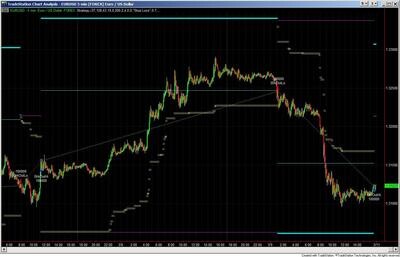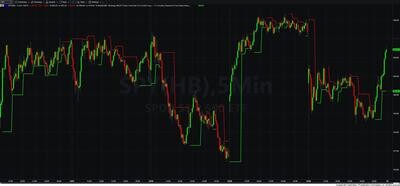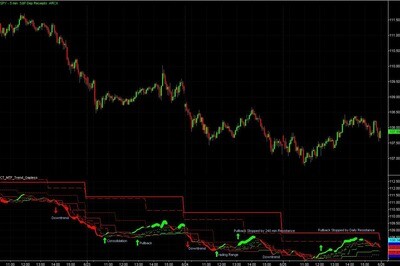

Fractal Channels • Multiple Time Frame Price Action • Time-Based Volume
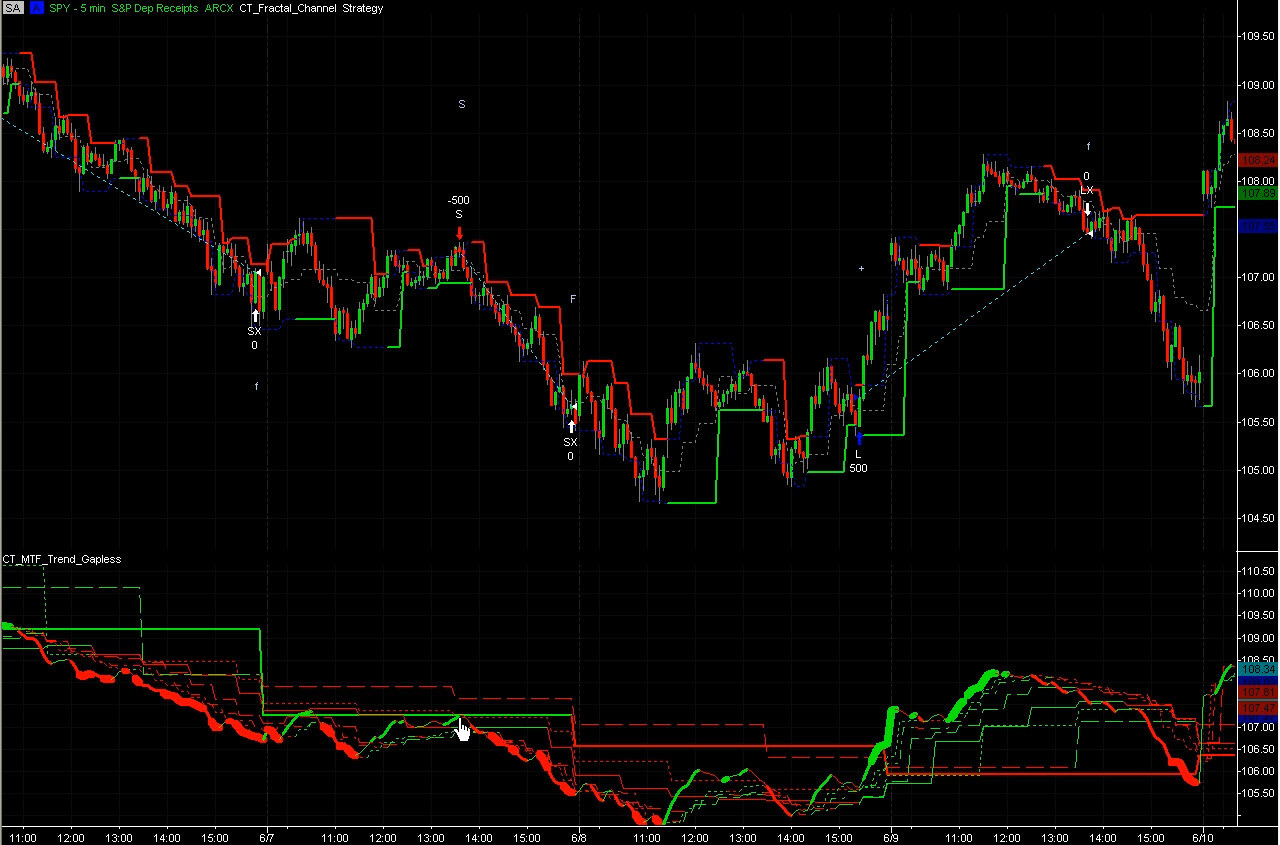
The Historical Backtesting Strategy package lets you test your own discretionary trade ideas through TradeStation's full Strategy Performance Report engine — without writing a single line of EasyLanguage code. Instead of programming entry and exit rules, you mark your trades directly on a historical chart, and the strategies execute those exact trades in the backtest engine as specified. The result is a complete performance report — profit factor, win rate, average trade, max drawdown — generated from your own manual analysis.
This is the tool for discretionary traders who make judgment-based trading decisions and want to know, objectively, whether those decisions produce an edge. You can evaluate a single trade you remember taking, test a month of setups you identified on a chart, or pair any set of entries against different exit strategies to see which exit approach captures the most profit from your trade ideas.
The package includes two strategies that serve different use cases:
Configure the trade entirely through the strategy's inputs — no chart markup required. Set the entry date (in TradeStation's YYYMMDD format), entry time, trade direction (1 = long, −1 = short), and quantity. When the chart bar matching that date and time is reached, the strategy enters at the bar's closing price.
There is no built-in exit logic. The trade stays open until closed by a separate exit strategy applied to the same chart — for example, the Fractal Channel Exit Strategy or the Automated Dynamic Trailing Stop. This is intentional: you test how different exit approaches would have handled the same entry, generating side-by-side performance comparisons across exits without changing the entry.
Use TradeStation's Text drawing tool to place text labels directly on the chart at the bars where you want trades to fire. The text string of each label determines the action:
The strategy loads all text labels at chart startup, sorts them chronologically into an array of up to 500 entries, and fires each trade in sequence as the chart plays through history. Combine it with any exit strategy to test how automated exits would have managed the positions you manually identified.
To troubleshoot trades not firing as expected, enable Debug mode — the strategy prints each detected label and each bar comparison to the TradeStation Output Bar, making it straightforward to identify mismatches between label placement and chart bar times.
Single trade test: Add CT_Historical_Single_Trade to a chart, set Generate_Historical_Trade = True, enter the date/time/direction, add an exit strategy, and open the Strategy Performance Report.
Multi-trade test: Load historical data for the full period you want to evaluate. Scroll through the chart and place text labels at every entry (+/−) and exit (c) you would have taken. Add CT_Historical_Trades as a strategy. Optionally add exit strategies to test different exit approaches on the same entries. Open the Strategy Performance Report for full results.
Both strategies generate entry orders only — by design. This lets you apply any TradeStation exit strategy and test how it performs on your entries. Recommended pairings:
Run both exit strategies against the same set of entries and compare the performance reports side by side to find which exit approach best matches your trading style and instrument.
The Historical Backtesting Strategy package is built for TradeStation traders who:
Do I need to write EasyLanguage code to use this?
No. CT_Historical_Single_Trade is configured entirely through strategy inputs. CT_Historical_Trades uses simple single-character text labels (+, −, c) placed on the chart with the drawing tool. No coding required for either strategy.
How do I mark trades on the chart for CT_Historical_Trades?
Use TradeStation's Text drawing tool. Place a text object at the bar where you want a trade to fire. Use + for a long entry, − for a short entry, and c to close the position. Place the label at the correct bar date and time for your chart interval — the strategy reads only the label's position on the chart, not its price level.
What if my trades are not firing as expected?
Enable Debug = True in the strategy inputs. The strategy will print each detected text label and each bar comparison to the TradeStation Output Bar, making it easy to identify why a trade did not fire. The most common cause is placing a label at a time that does not correspond to a valid bar close on your chosen chart interval.
Can I test the same entries with different exit strategies?
Yes — this is one of the primary use cases. Apply CT_Historical_Single_Trade or CT_Historical_Trades with one exit strategy, note the performance results, then swap the exit strategy and compare. The entry strategy remains identical; only the exit logic changes, so the comparison directly measures exit strategy performance on your specific trade entries.
What is the TradeStation date format for CT_Historical_Single_Trade?
TradeStation uses YYYMMDD format where YYY is the calendar year minus 1900. For example, March 15 2024 = 1240315 (124 for 2024, 03 for March, 15 for the day). A common mistake is entering the full calendar year (2024) instead of the correct format (124).
How many trades can CT_Historical_Trades handle?
Up to 500 text labels per chart, which is sufficient for multiple years of daily trades or months of intraday sequences.
What is your refund policy?
All sales are final. We encourage you to review the product video before purchasing so you can see exactly how the workflow operates. If you have a technical issue after purchase, our support team is here to help.


Our indicators and trading systems are built by active traders, not software developers — every tool in this library exists because we needed it ourselves. That means each product solves a specific, real-world trading problem: the Fractal Channel Indicator gives you non-repainting support and resistance based on actual price structure, the MTF Price Action Indicator Set eliminates the need to manually correlate multiple charts, and the Risk Reward Indicator automates stop placement and position sizing on every trade.
Every indicator is built around multi-time-frame confirmation — the single most reliable edge available to independent traders. Our MTF suite covers RSI, MACD, ADX, Stochastic, VWAP, Floor Trader Pivots, and Fractal Channel, all displaying multiple time frames simultaneously on a single TradeStation chart. When a signal is confirmed across four, six, or eight time frames at once, the probability of a successful trade improves significantly over any single-time-frame analysis.
Our complete trading systems — the Trend Rider, Scalper Day Trading System, MTF Trend, Counter Trend, and MTF Consolidation Breakout — go beyond individual indicators. Each system combines RadarScreen scanning, multi-time-frame analysis, chart-based execution, and automated exit management into a fully integrated workflow. Your computer does the scanning; you make the trading decisions.
All products are instant digital downloads for TradeStation 10 and later, compatible with any market and any chart type. Every purchase includes a step-by-step installation guide, Learning Center video access, and email support. Future updates to all trading systems are included at no additional cost.