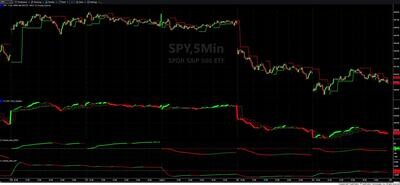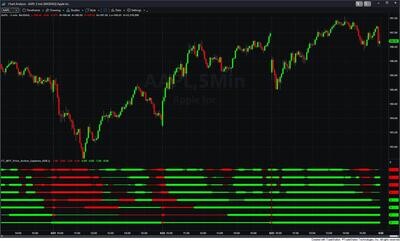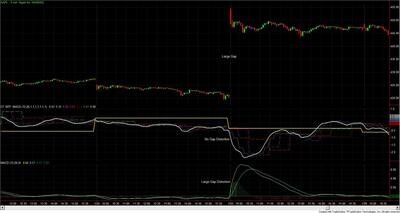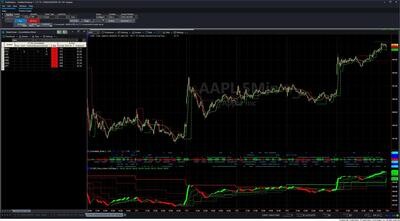

Fractal Channels • Multiple Time Frame Price Action • Time-Based Volume
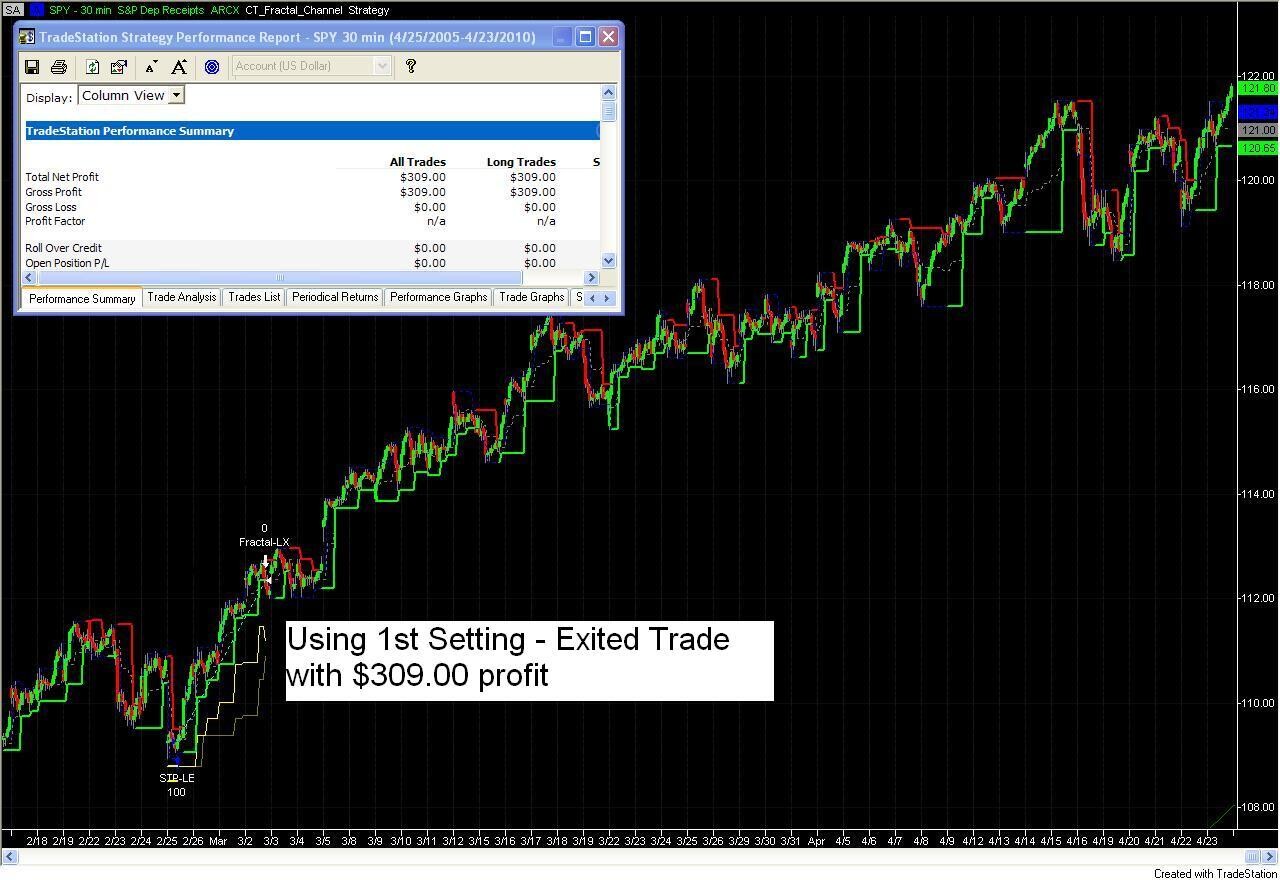
The Automated Fractal Exit Strategy package includes two exit-only strategies for TradeStation that manage open trades using real-time fractal pivot levels as dynamic stop points. Rather than fixed tick or dollar stops, both strategies anchor exits to the market's own structural turning points — the fractal highs and lows that define genuine support and resistance. When the fractal structure shifts, the stop shifts with it automatically.
The two strategies serve different roles. CT_Exit_Fractals_Clos is a profit-protection exit: the fractal stop only activates once a minimum profit threshold is reached, making it ideal to pair with a separate initial stop loss strategy that covers early trade risk. CT_Exits_Fractal_C is the full-trade version: the fractal stop is active from the moment of entry and manages the trade from open to close with no minimum profit requirement.
Both strategies share the same adaptive stop engine. Every time price pushes through a fractal level and then recovers (a "failed break"), the strategy records how far price pierced the fractal. It maintains the last 100 such push events in memory and uses this history to intelligently buffer stop placement — preventing normal fractal noise from triggering premature exits while keeping the stop anchored to genuine market structure. The buffer is not a fixed value: it is learned continuously from the instrument's own recent behavior.
Both strategies continuously scan for fractal pivot highs and lows as they form on the chart using the same detection engine as the Fractal Channel Indicator — including tie-handling logic for flat-top and flat-bottom patterns. The most recent fractal low defines the stop reference for long positions; the most recent fractal high defines the stop reference for short positions.
The Control_Number input selects how the stop is placed relative to the fractal level:
Both strategies also compute a dynamic range-based initial stop on entry — averaging the bar range across four lookback periods (5, 21, 34, and 166 bars) multiplied by 1.3 — as a reference for the stop before fractal history fully takes over.
The Automated Fractal Exit Strategy is ideal for TradeStation traders who:
What is the difference between CT_Exit_Fractals_Clos and CT_Exits_Fractal_C?
CT_Exit_Fractals_Clos is a profit-protection exit — the fractal stop does not activate until the trade reaches a user-defined minimum profit threshold. This makes it ideal to pair with a separate initial stop loss (such as the Automated Dynamic Trailing Stop) where one strategy covers early risk and this one handles profit protection. CT_Exits_Fractal_C is active from the moment of entry with no minimum profit requirement and serves as the sole exit strategy for the trade.
Which Control Number should I start with?
Start with Control Number 2 (Fractal) to see the raw fractal stop level in action on your instrument. If you find the stop too tight — triggering on normal fractal noise rather than genuine reversals — switch to Control Number 3 (Yellow), which adds a learned average buffer and scales it with the trade's profit level. Use Control Number 4 (Brown) only on high-volatility instruments or wider timeframes where the historical extreme push events are large enough to warrant the additional buffer.
Do I need the Fractal Channel Indicator to use this strategy?
The exit strategies use the same fractal detection engine as the Fractal Channel Indicator. For the full system — Fractal Channel entries managed by Fractal Channel exits — you will want the Fractal Channel Indicator. However, the exit strategies can also be applied to positions entered using any other method.
How does this differ from the Automated Dynamic Trailing Stop Loss strategy?
The Automated Dynamic Trailing Stop uses a general dynamic trailing mechanism based on ATR and percent-of-profit thresholds. The Automated Fractal Exit Strategy uses Fractal Channel pivot levels for both stop placement and adaptive buffering — making it the natural exit complement to the Fractal Channel Indicator entry system. If you are a Fractal Channel trader, this is the exit strategy built for your approach.
Does it work in backtesting and simulation mode?
Yes. Both strategies work fully in TradeStation's backtesting and simulation environments, allowing you to test the exit logic on historical data and practice in simulation before going live.
How do I install it in TradeStation?
After purchase you will receive EasyLanguage (.eld) files. Import them via File > Import/Export > Import EasyLanguage, then apply the strategy to your chart. Full setup instructions are included in the download. Most traders are up and running in under 15 minutes.
What is your refund policy?
All sales are final. We encourage you to review our product videos and chart examples in the Learning Center before purchasing. If you have a technical issue after purchase, our support team is here to help.
Is there a free trial?
We do not currently offer a free trial, but our Learning Center includes detailed video walkthroughs showing the strategy in action across multiple markets so you can see exactly how it performs before purchasing.


Our indicators and trading systems are built by active traders, not software developers — every tool in this library exists because we needed it ourselves. That means each product solves a specific, real-world trading problem: the Fractal Channel Indicator gives you non-repainting support and resistance based on actual price structure, the MTF Price Action Indicator Set eliminates the need to manually correlate multiple charts, and the Risk Reward Indicator automates stop placement and position sizing on every trade.
Every indicator is built around multi-time-frame confirmation — the single most reliable edge available to independent traders. Our MTF suite covers RSI, MACD, ADX, Stochastic, VWAP, Floor Trader Pivots, and Fractal Channel, all displaying multiple time frames simultaneously on a single TradeStation chart. When a signal is confirmed across four, six, or eight time frames at once, the probability of a successful trade improves significantly over any single-time-frame analysis.
Our complete trading systems — the Trend Rider, Scalper Day Trading System, MTF Trend, Counter Trend, and MTF Consolidation Breakout — go beyond individual indicators. Each system combines RadarScreen scanning, multi-time-frame analysis, chart-based execution, and automated exit management into a fully integrated workflow. Your computer does the scanning; you make the trading decisions.
All products are instant digital downloads for TradeStation 10 and later, compatible with any market and any chart type. Every purchase includes a step-by-step installation guide, Learning Center video access, and email support. Future updates to all trading systems are included at no additional cost.